Tools
Marketing ContentBrand ContextInfluencer MarketingSEO/GEOApp Store AssetsLogo DesignProduct NamingEmail TemplatesCompetitor Watch
View all tools
Marketing SkillsPricingBlog
PricingSign in
Hero background showing a public X post link becoming GIF and MP4 downloads

Tool task

Twitter GIF Downloader for X Posts

Save animated media from a public X or Twitter post as a reusable file. Paste a post link, preview convertible media, then download a GIF or MP4 when it is available.

Download a GIF from a public X or Twitter post

Paste a public /status/ link to preview convertible media and save a GIF or MP4. Private, restricted, deleted, or media-free posts will not work.

Public link → GIF or MP4

Paste a Tweet link

Paste a public X/Twitter post link to save a previewable GIF and keep the MP4 source.

Waiting for a link

Paste a public Tweet or X post URL to see lookup progress, a GIF preview, and GIF or MP4 download actions here.

What you get

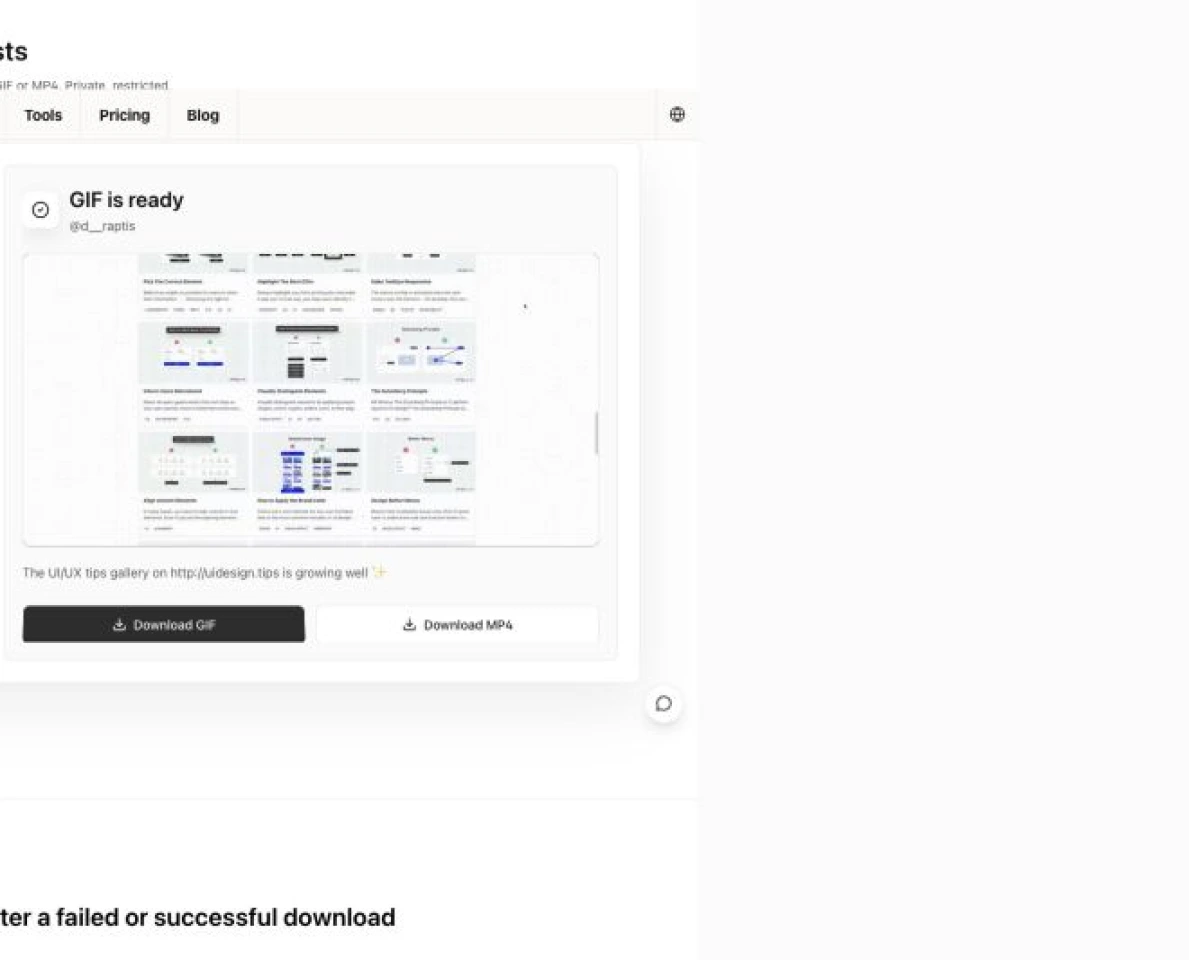
Paste a public X/Twitter post link and the page looks for animated media in the post, shows processing status, then returns a GIF preview, a .gif download, and an MP4 download when available.

Most people searching for a Twitter GIF downloader or how to download a Twitter GIF just want a reusable file from an embedded animation. Tomako keeps link recognition, media preview, format choice, and download actions in one workbench, so you can verify the motion first, then save the GIF or keep the smaller MP4.

A public post link becoming a downloadable GIF and MP4 media package

What makes a good Twitter GIF downloader

When choosing a downloader, look for support for both twitter.com and x.com public post links, preview-before-download behavior, GIF and MP4 save options, clear failure messages, and plain rights, privacy, and platform boundaries.

Tomako keeps public-link recognition, preview, format choice, and conversion in one workspace. You do not need to find a raw media URL or manage browser extensions, scripts, or conversion settings yourself.

Use only public post links that you have permission to access and save. Whether you can reuse the downloaded GIF or MP4 depends on the original content rights, platform rules, and your use case.

Visual showing public links resolving into downloads while restricted links cannot be parsed

Why this is easier than hunting for video URLs manually

Common friction

Tomako approach

You have to dig through page source or dev tools to find the video URL.

Paste a public twitter.com or x.com post link and the page looks for convertible media.

You cannot tell whether the download is a GIF, a video, or a broken file.

Successful results show a GIF preview before offering GIF and MP4 downloads.

Failures produce an empty result with no clue whether to retry or switch links.

The result area separates invalid links, missing media, restricted content, and conversion errors.

What to do after a failed or successful download

Check that the link is public

If lookup fails, confirm the URL is from twitter.com or x.com, includes /status/, is publicly accessible, and still has media attached.

Choose the format by use case

Save the GIF for quick reuse, presentations, and lightweight sharing; keep the MP4 when you need smaller files, steadier quality, or later editing.

Confirm rights before reuse

Downloading a file does not grant content rights. For ads, commercial publishing, or public libraries, check creator permission and destination-platform rules.

Downloaded GIF, MP4, and archive assets arranged as a reusable media kit

Use cases

Save animated media from public Tweets or X posts for swipe files, decks, or social media review.

Convert Twitter/X embedded GIF animations into portable GIF files for other tools.

Keep the MP4 source when you need a smaller and sharper video asset.

Archive public user feedback, competitor launches, or marketing examples in a local research library.

FAQ

Why does a Twitter GIF need conversion?

Twitter/X usually serves GIFs as MP4 animation files. A downloader needs to fetch the video source first, then convert it into a real .gif file.

Does this work with x.com links?

Yes, for public x.com and twitter.com post links. The URL needs to include /status/ and a post ID, and the attached media must be publicly accessible.

Can I download the MP4 instead of converting to GIF?

Yes. When lookup succeeds, the page offers both a GIF download and the MP4 source download. MP4 is usually smaller and better for editing or long-term archiving.

Can it download private or login-only posts?

No. Use publicly accessible X/Twitter post links only. Private, deleted, restricted, or login-only content usually cannot be resolved and should not be bypassed.

Why do some posts fail?

Private, deleted, restricted, media-free, rate-limited, or structurally changed X posts can fail. Confirm the post is a public animated media post, then try a different link.

Can I use the downloaded GIF commercially?

The tool only converts public media you provide; it does not grant content rights. Before publishing, advertising, or commercial reuse, confirm that you have permission and follow X/Twitter and destination-platform rules.

When you need a branded static image for a shared link, turn your message, colors, and visual direction into an OG image.

Create an OG imageBack to all tools

Company Info

  • About Us
  • How it works

Services

  • Pricing
  • Growth & search
  • Marketing Skills
  • Contact

Legal

  • Privacy Policy
  • Terms of Service
  • Refund & Cancellation
  • Digital Delivery

Contact us

Business
hello@tomako.ai
Support
support@tomako.ai

Merchant

Mindful Go LLC

Tomako digital software

Tomako
Privacy PolicyTerms and ConditionsRefund & Cancellation© 2026 Tomako. Built for builders.