Tools
Marketing ContentBrand ContextInfluencer MarketingSEO/GEOApp Store AssetsLogo DesignProduct NamingEmail TemplatesCompetitor Watch
View all tools
Marketing SkillsPricingBlog
PricingSign in

Tool task

KoKo Assistant

KoKo gives your recurring Codex prompts and Skills a floating desktop entry point. Enter the internal invite code to download the Mac Beta, then turn brand start, code sync, repeat workflows, and completion reminders into quick KoKo actions.

KoKo pixel tomato assistant with floating shortcut buttons and a Mac Beta installer

Download KoKo Mac Beta

This build is for internal testing. Click the Mac download button and enter the invite code. The Windows entry is reserved but not open yet.

Beta
Pixel preview of KoKo opening floating shortcut buttons
Beta

Mac Beta download

This is the KoKo Codex Desktop Assistant Mac Beta. It adds a floating desktop entry point for the Codex prompts, Skills, and brand parameters you reuse every day.

Hover the floating window to reveal shortcut buttons

Bind each button to a prompt, Skill, or preset parameter set

Open Codex and send the action to the right brand automatically

Get a helper reminder when Codex finishes the task
Coming soon

Windows version

The Windows entry is reserved on the right, but it is not available yet. We will open it after the installer and launch flow are stable.

Windows version coming soon

What you get

After installation, KoKo gives you a lightweight floating desktop window. You can turn recurring actions such as starting a brand, pulling code, pushing code, or launching a Skill into buttons that are available from any screen.

When Codex finishes a task, KoKo can also send a helper reminder so you know it is time to review the result. You do not have to keep watching the terminal or repeatedly switch back to Codex while the work is running.

KoKo is not another web generator and it does not ask you to fill out a long form. Its value is saving the Codex chats, brand paths, prompts, Skills, and completion reminders you already trust, then making them reachable with one hover and one click.

Product preview of KoKo opening multiple floating shortcut buttons

Workflows worth turning into buttons

The first Beta focuses on high-frequency Codex workflows that can be preset and then left to run. The first two scenarios are developer essentials; the other two help teams package repeatable Skill flows.

Start a code brand

Store the brand path, start command, and checks in one button. Hover KoKo, click Start, and let Codex enter the right brand while you wait for the service to be ready.

Pull and push code

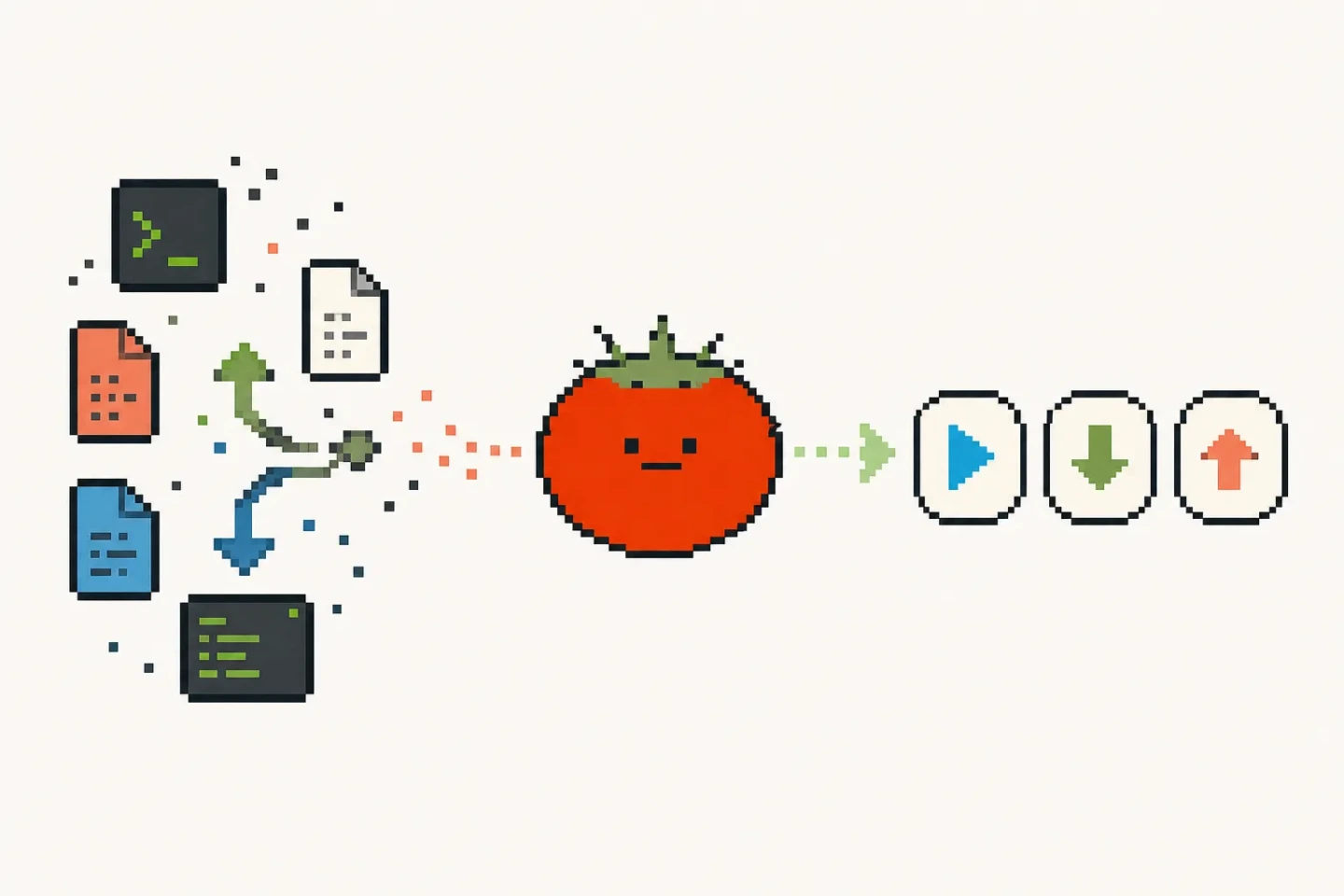
Split pull, branch checks, commit summaries, push, or draft PR prompts into shortcut buttons. It helps developers who sync code many times a day without wanting to retype the same instructions.

Launch a fixed Skill

Turn SEO, brand materials, document cleanup, email drafts, or other Skill calls into buttons. KoKo sends the preset prompt to the right Codex chat or brand.

Hand off routine tasks

Teams can package review checklists, launch checks, retrospectives, or asset generation into shared configurations so teammates can trigger the same Codex flow without memorizing the prompt.

Customize the left-side hover buttons

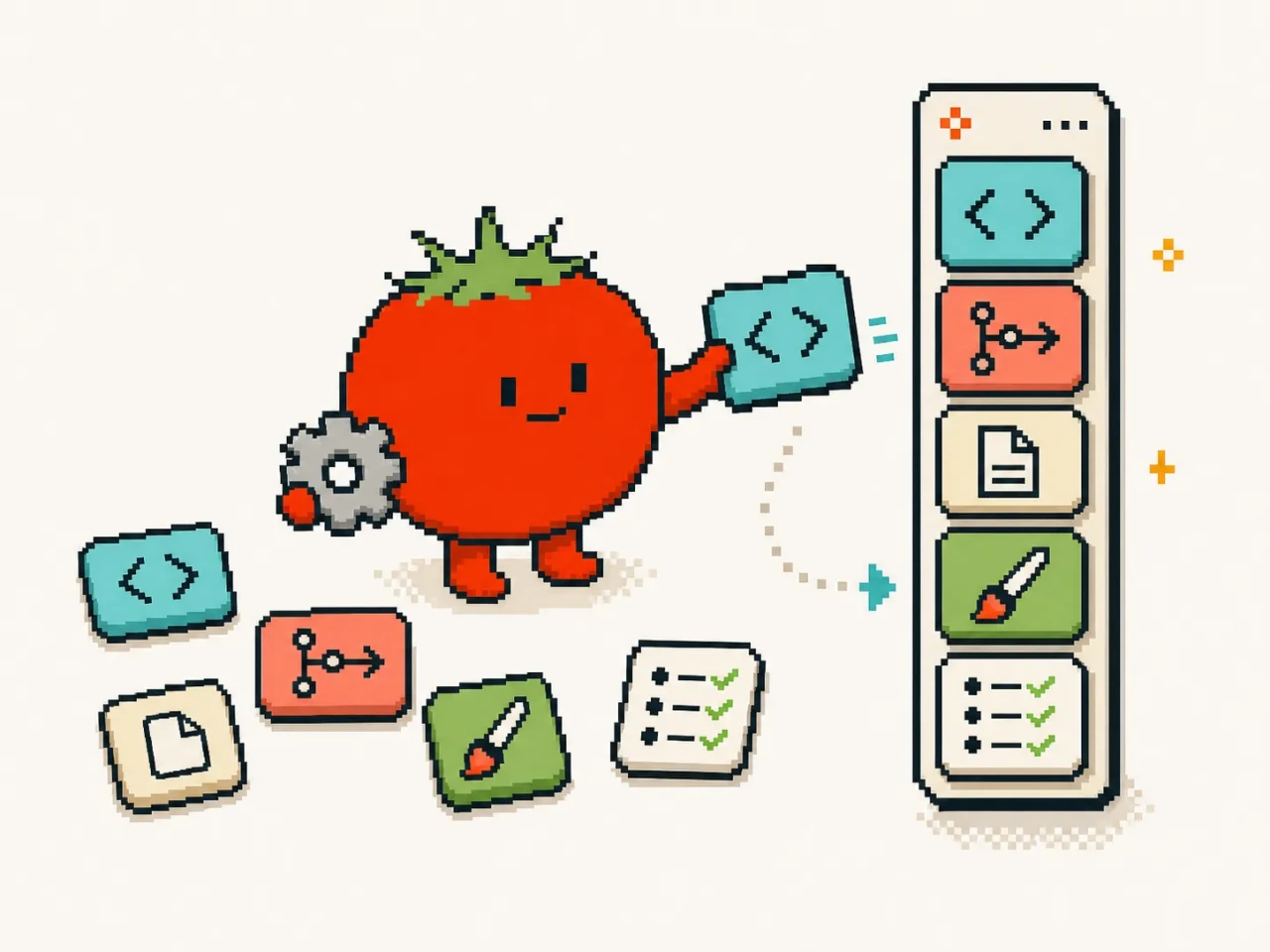
KoKo is not a fixed feature list. Each shortcut can point to a prompt, a Skill, a brand path, a target chat, or a preset parameter set, so the buttons that appear on hover match your actual workflow.

One button might start local services, another might pull the latest branch, and another might call `$programmatic-seo` for a page brief. The closer the buttons are to your daily actions, the more KoKo feels like a desktop Codex dispatcher.

KoKo arranging prompts, Skills, and checklist modules into floating buttons

Click once, send to Codex

When you click a button, KoKo opens Codex based on your configuration and sends the right content to the target chat or brand. The workflow becomes hover, click, and wait instead of switching windows, finding the brand, copying a prompt, and rebuilding context.

That makes KoKo a good fit for tasks that do not need improvisation but do need Codex to act in the right brand: start, sync, check, generate, organize, review, and prepare for release.

Scattered developer chores becoming start, pull, and push actions through KoKo

Get reminded when the task is done

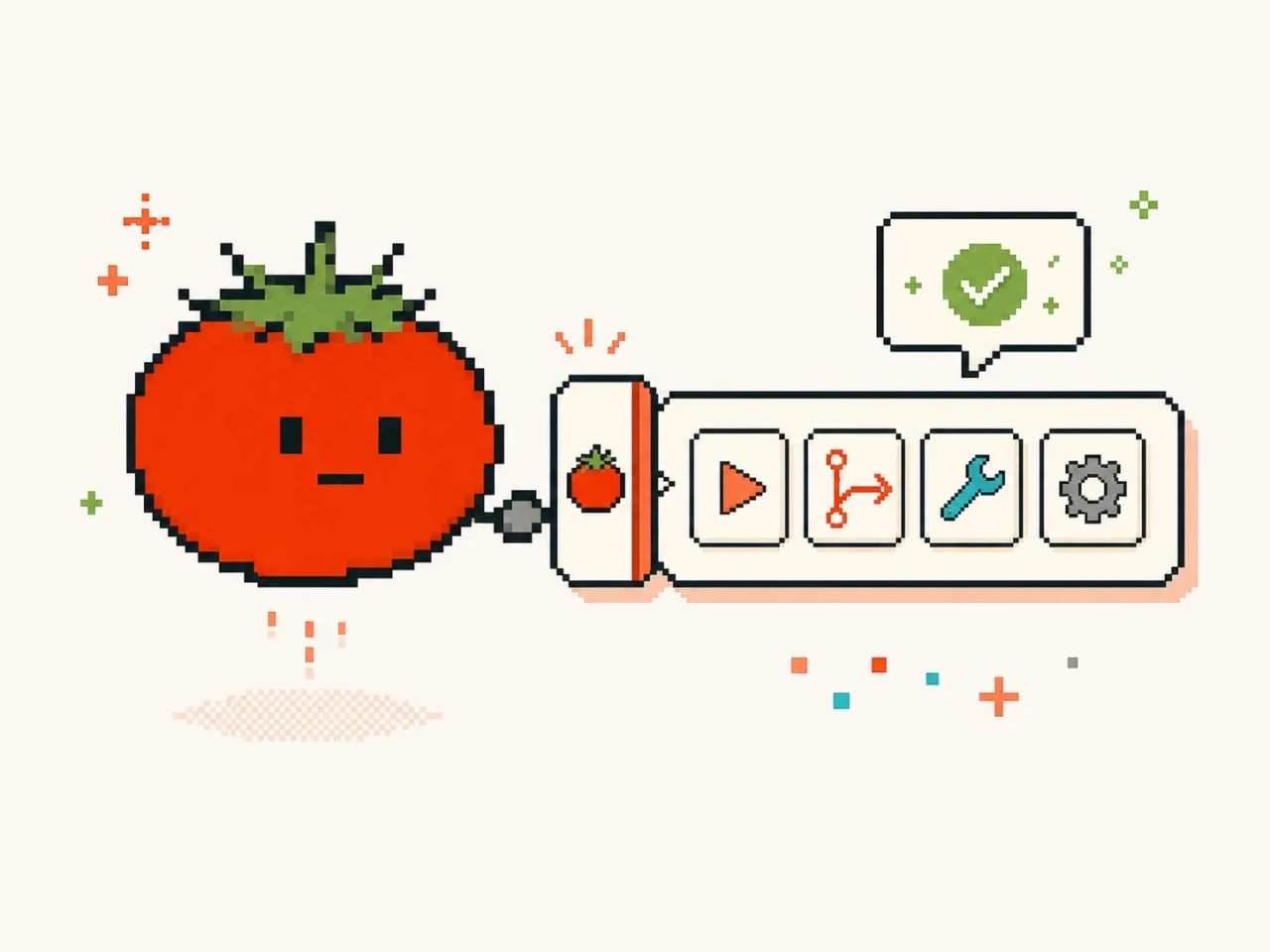
Many Codex tasks do not finish the moment you click: starting services, cleaning documents, generating assets, and running checks can all take a while. KoKo can notify you through a small helper when the task is complete, so you know the result is ready to review.

The reminder brings your attention back to the result, but it does not decide whether code is safe, a document is ready to publish, or generated output should ship. You still review the Codex result, ask follow-up questions, and choose the next step.

Pixel illustration of the KoKo helper reminding a user to review a completed Codex task

What a good Codex desktop assistant should do

Be fast

The entry point should be available from anywhere and jump straight into the configured Codex context without making you find the brand, Skill, or prompt again.

Stay controllable

Every prompt, Skill, and parameter behind a button should be visible, editable, and reusable. KoKo is designed to deliver the actions you already approved.

Keep results visible

For waitable tasks, the helper reminder brings you back to Codex when the result is ready, reducing window switching and missed reviews.

Keep boundaries clear

The Beta focuses on Mac desktop, internal invite access, and fixed workflows. Code, commits, and release actions that need judgment should still keep human confirmation.

Beta download and platform boundaries

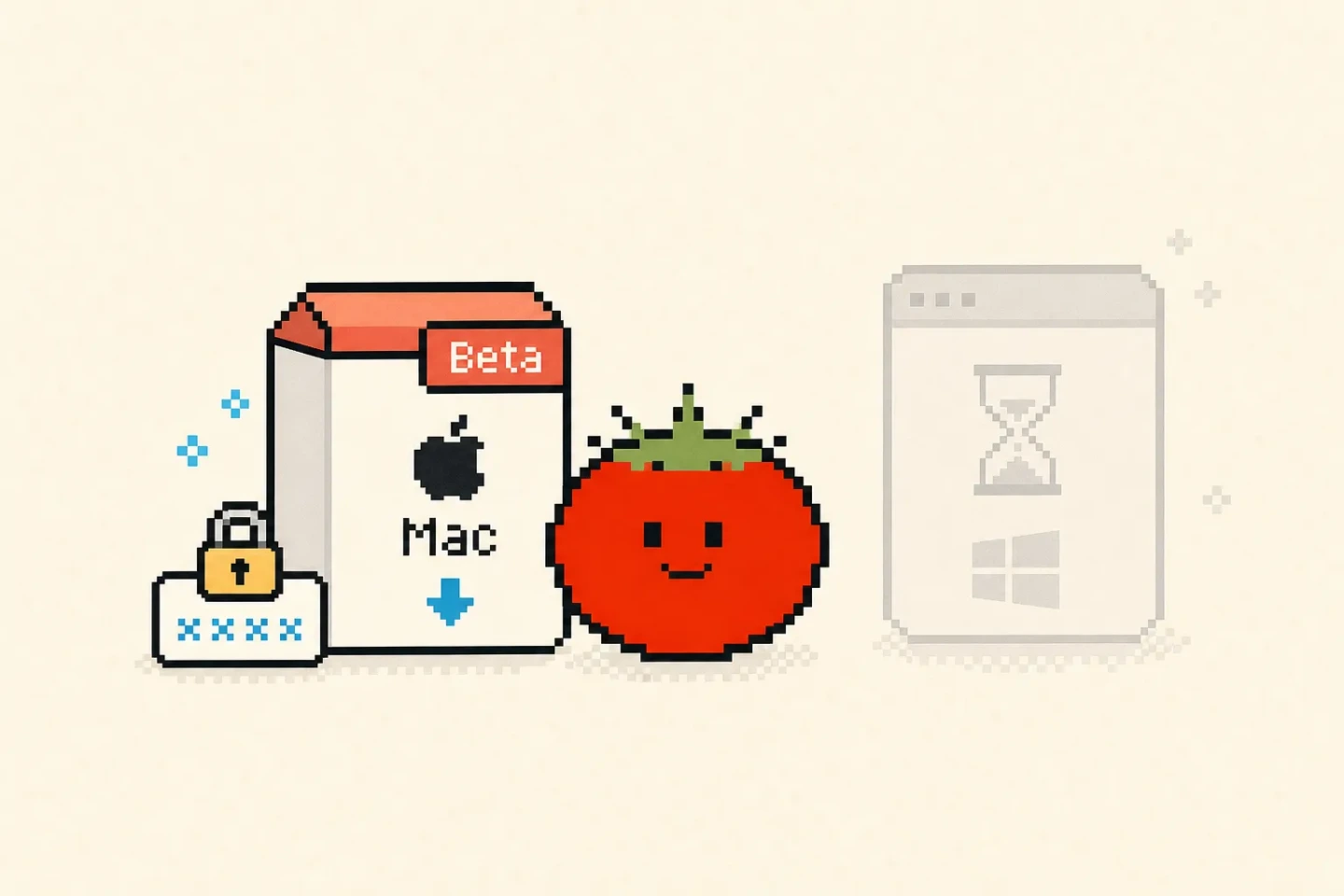
The current Mac installer is a Beta build for internal use. Download requires an internal invite code, which is entered in the download dialog and not exposed in page copy.

The Windows entry is visible on the right but marked coming soon. That sets platform expectations without implying that a Windows installer is already available.

KoKo helps send configured content to Codex and can remind you when the task is done, but it does not decide whether code is safe, commits should ship, or generated output is production-ready. Developer buttons should keep necessary checks and human confirmation.

KoKo Mac Beta installer, invite-code lock, and coming-soon Windows entry

FAQ

How is KoKo different from a normal launcher?

A normal launcher usually opens apps or runs commands. KoKo is built around Codex workflows: it can combine prompts, Skills, brand paths, and preset parameters into buttons that send work to a target Codex chat or brand.

Why does the KoKo Mac Beta require an invite code?

This build is still in internal Beta, so download access is limited while we collect feedback on installation, floating-window behavior, Codex launch, and button configuration. If you have an invite code, enter it in the download dialog.

Can KoKo start my code brand?

Yes. You can configure a button with the brand path, start command, and checks. KoKo sends that action to Codex, while the final result still depends on your local environment, dependencies, and brand scripts.

Can I use KoKo for git pull and push workflows?

Yes. You can split pull, checks, commit summaries, push, or PR draft prompts into buttons. Keep branch checks, change summaries, and confirmation steps in the prompt for actions that affect shared code.

When will the Windows version be available?

The Windows version is not open for download yet. The page keeps the entry visible and marked coming soon until installer behavior, floating-window permissions, and Codex launch flow are stable.

Can I configure other Skills as KoKo buttons?

Yes. KoKo is best for frequent, fixed, waitable Skill flows such as SEO briefs, brand assets, document cleanup, launch checks, email drafts, and brand retrospectives.

When does the helper reminder appear?

When a Codex task triggered through KoKo finishes, the helper reminder brings you back to the matching result. It is designed for waitable tasks such as starts, checks, generation, and cleanup; you still review the result before committing, publishing, or using it.

KoKo is still an internal Beta. You can return to the tool list to explore current Tomako tools, or continue with product naming if you are preparing launch content.

Back to all toolsTry product naming

Company Info

  • About Us
  • How it works

Services

  • Pricing
  • Growth & search
  • Marketing Skills
  • Contact

Legal

  • Privacy Policy
  • Terms of Service
  • Refund & Cancellation
  • Digital Delivery

Contact us

Business
hello@tomako.ai
Support
support@tomako.ai

Merchant

Mindful Go LLC

Tomako digital software

Tomako
Privacy PolicyTerms and ConditionsRefund & Cancellation© 2026 Tomako. Built for builders.