Downloadable launch posters
Turn product name, benefits, audience, and CTA into a previewable SaaS or app launch creative you can download as PNG.
Add UI screenshots, benefits, and a CTA to create a launch poster for web, social, or Product Hunt.
Turn product name, benefits, audience, and CTA into a previewable SaaS or app launch creative you can download as PNG.
Add a logo, interface screenshots, and colors so the creative starts from the real SaaS or app experience instead of a generic template.
Check screenshot privacy, ad claims, crop safety, and asset rights before treating the generated image as publish-ready.
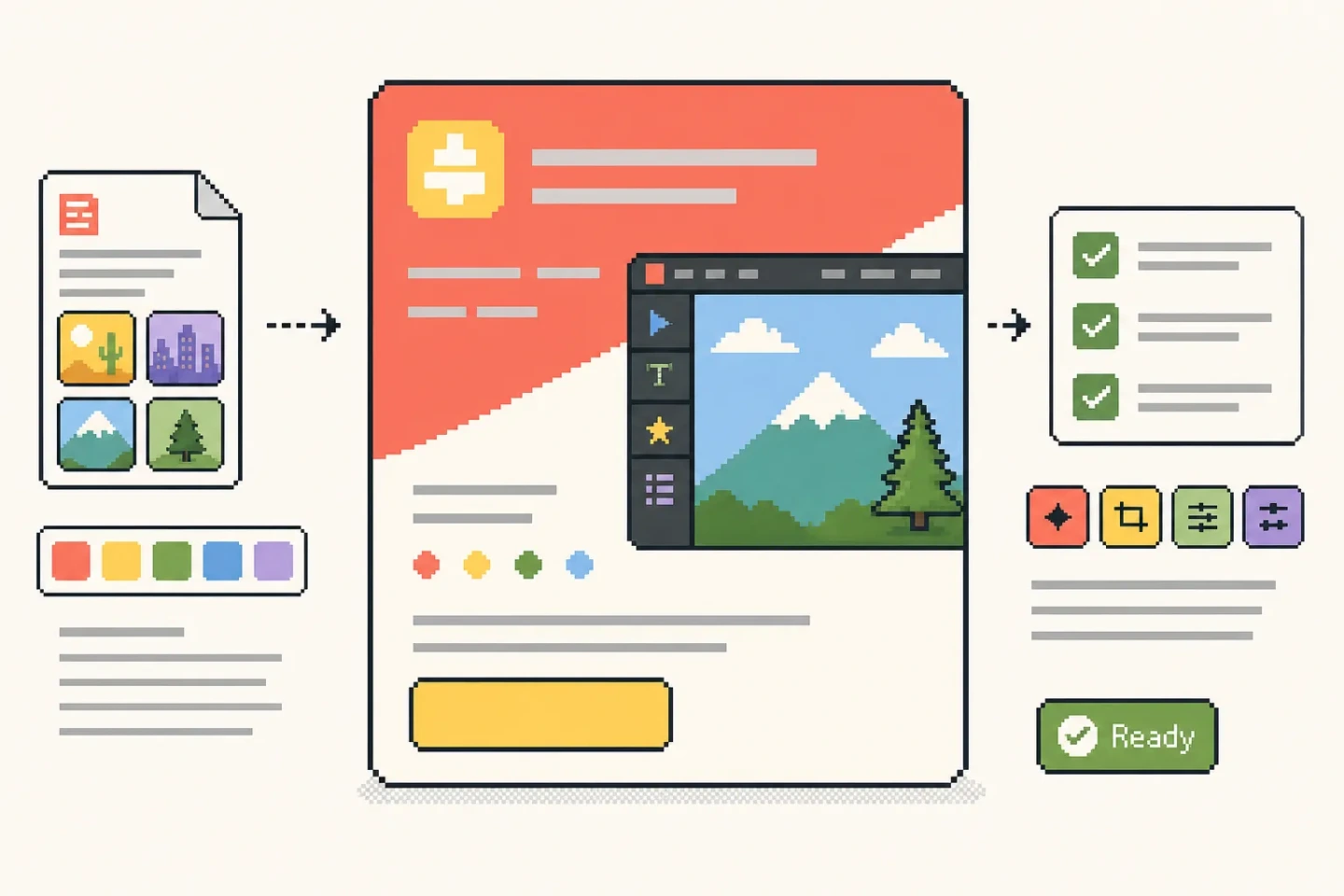
A product promo poster is not just a decorative background. It needs to explain what the product is, who it is for, which value matters, and what CTA should stand out.
Start with a compact brief. The tool turns the product description, audience, use case, and assets into a poster preview for website, social, or growth workflows.
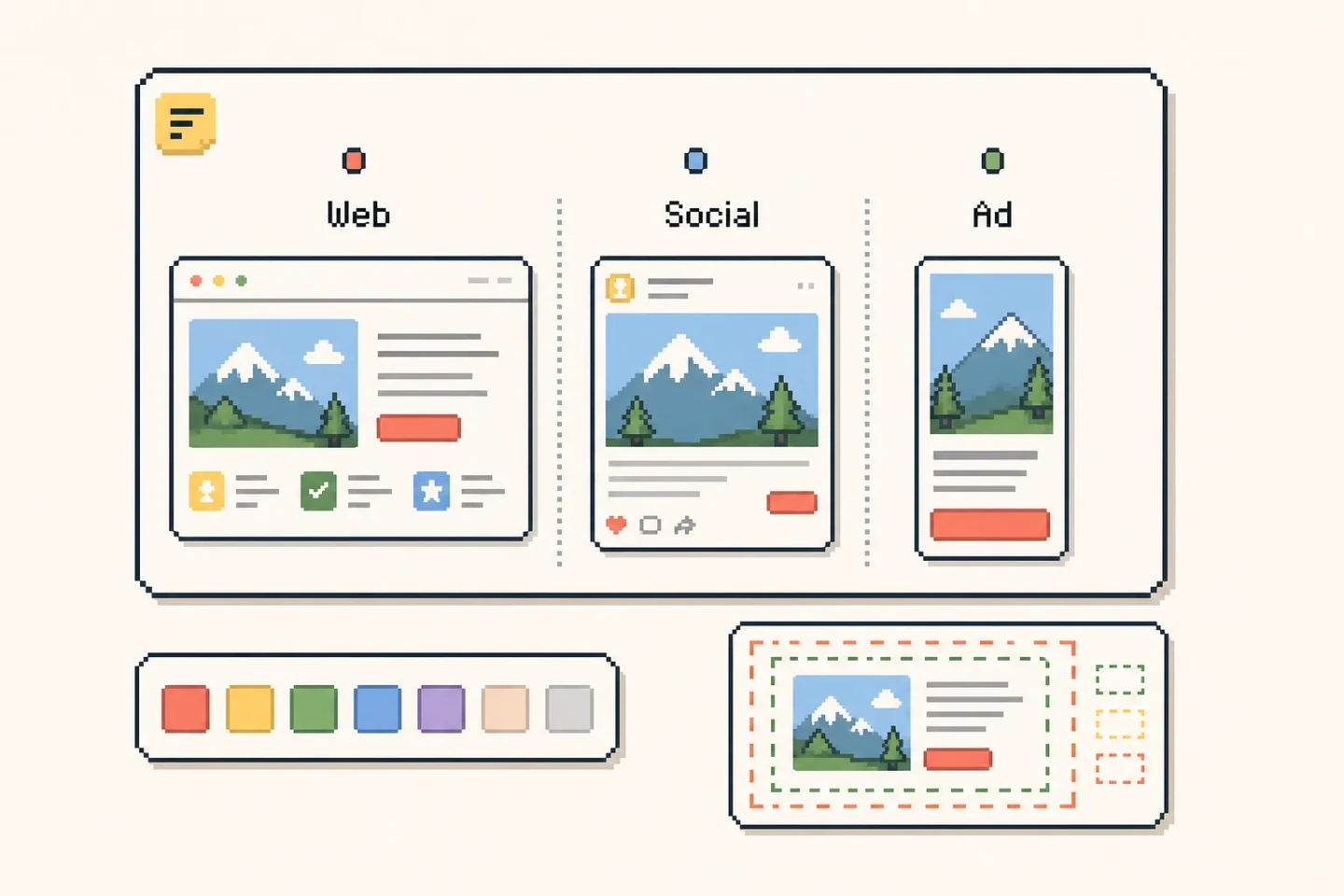
Website heroes, launch posts, ad tests, Product Hunt images, and OG cards all need different density and crop behavior.
Choose the target use case, format, and visual style so the poster can prioritize headline, screenshot, benefit, and CTA for the channel.
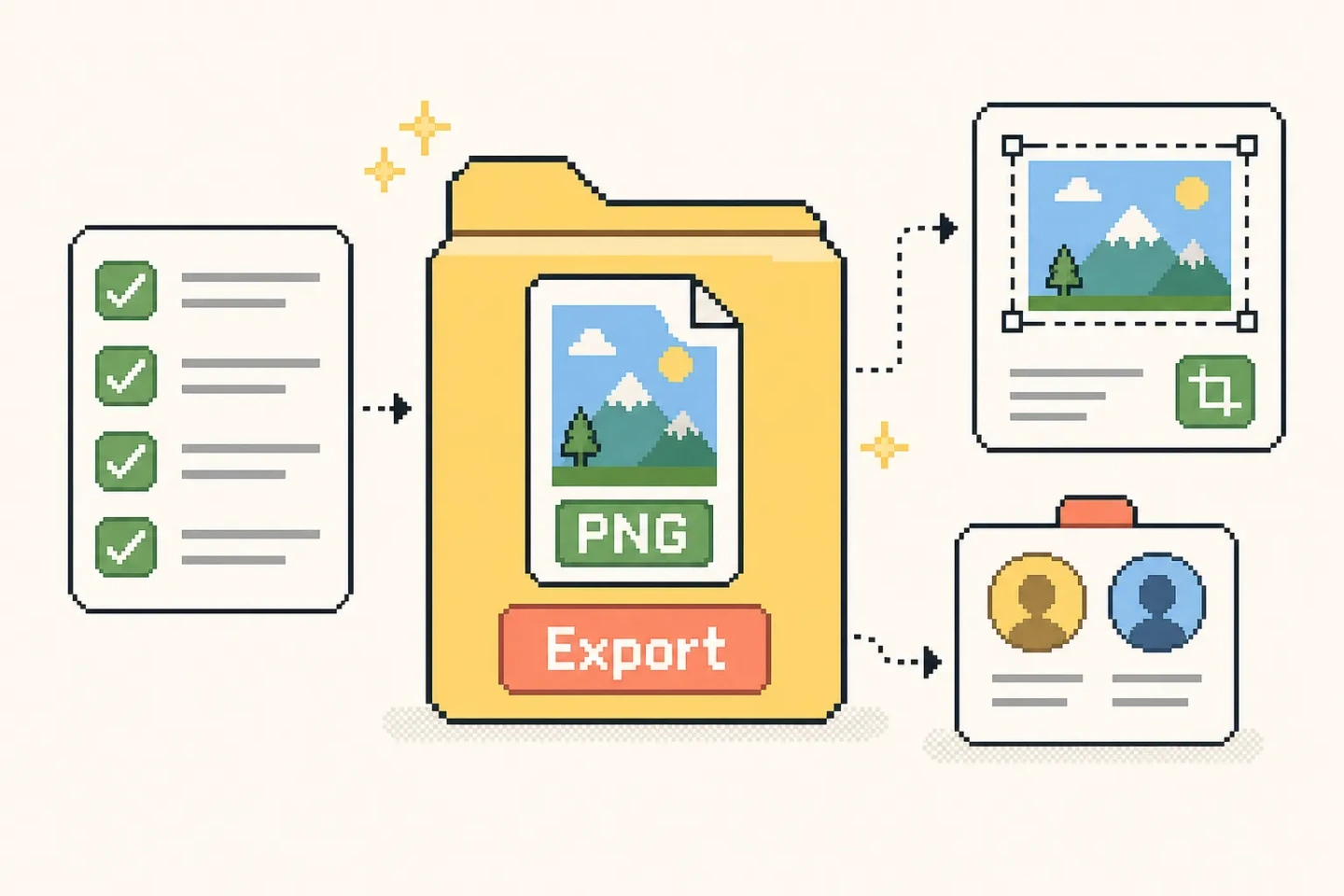
The generated image can move into design, launch, or paid media work, but it is not an approved campaign final by itself.
Before downloading, check that screenshots do not include private data, claims are not overstated, brand assets are cleared, and the crop works for the target platform.
These answers clarify input assets, use cases, commercial review, and how this differs from generic poster templates.
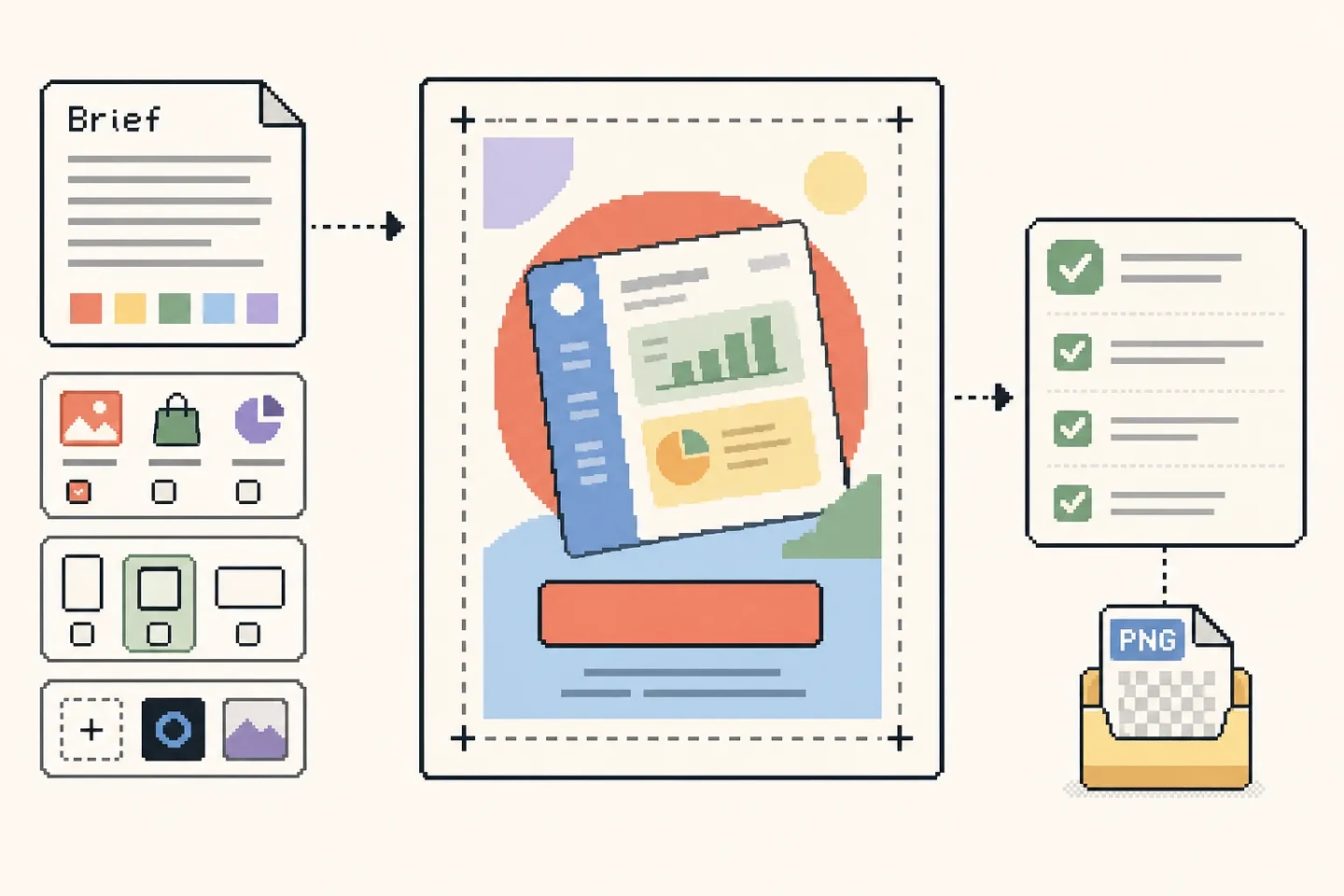
At minimum, prepare the product name, product context, target audience, and CTA. Better inputs include a product URL, logo, 1-4 UI screenshots, brand colors, and target channel.
It works best for SaaS, apps, web tools, plugins, AI products, and developer tools. Use it for website hero images, social launch posts, ad creatives, Product Hunt images, and OG cards. It is not designed for retail product photography, packaging mockups, or physical product packshots.
The poster can enter a commercial design workflow, but review screenshot privacy, trademark rights, ad claims, platform dimensions, and campaign policy before publishing.
Yes. Start with product context, audience, and screenshots. Once your brand system is stable, regenerate with a logo and brand colors for more consistent output.
General design tools are strong for template editing. This tool starts from product context, UI screenshots, benefits, and channel needs before generating an internet-product-specific poster.