DesktopX
Worldwidenovadesk.appJoined May 2023
1,697 Following20.5K Followers
Tool task
Turn one brief into editable profile drafts.
Enter inputs, review the output, then use the page guidance for the next step.
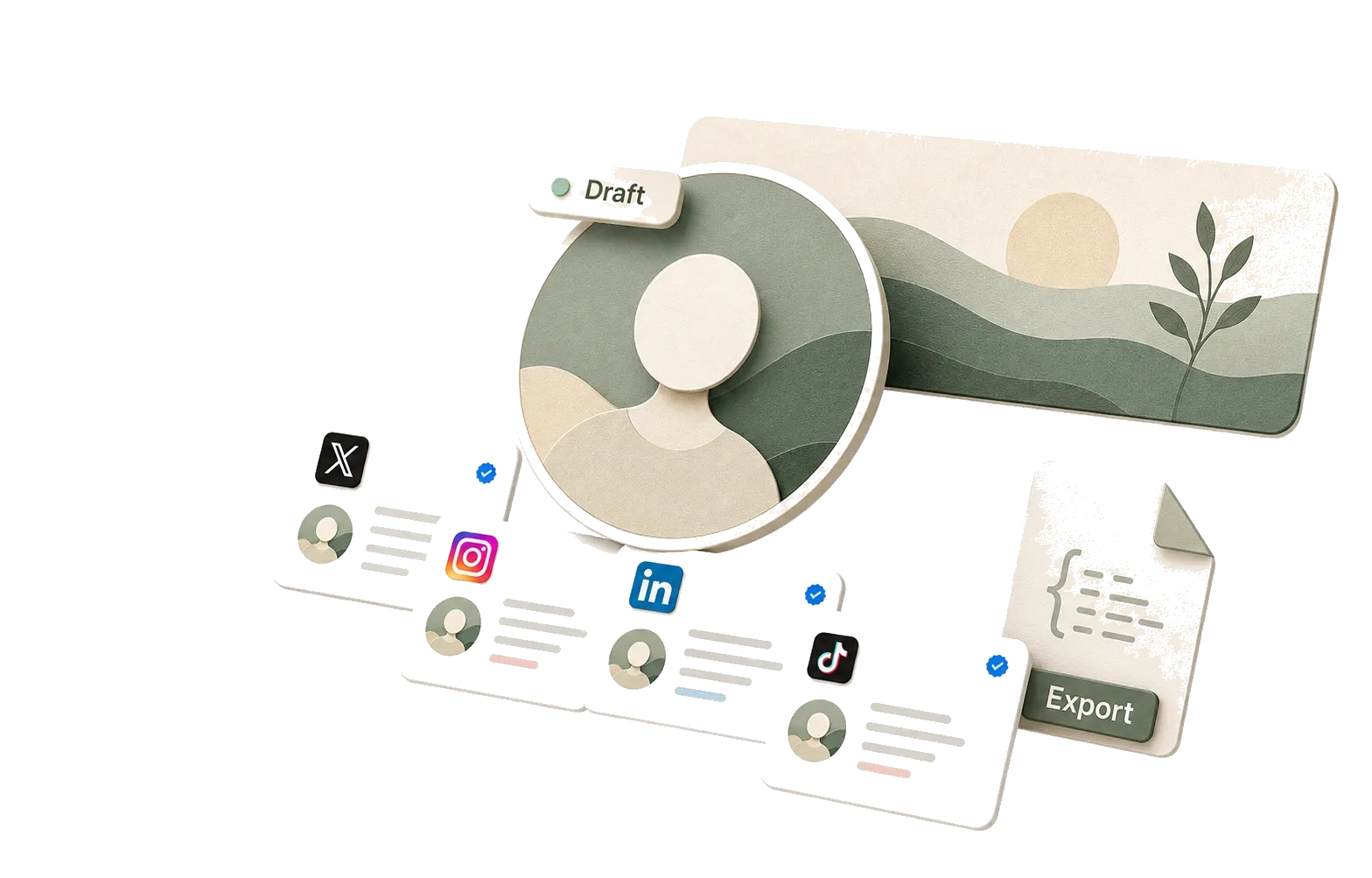
Add the minimum profile context, then use the canvas to review avatar crops, banners, bios, and username ideas. The image is a preview cue; editing and download stay in the workspace below.

Generate an editable, downloadable profile kit for each platform.
Manual draft template — editable, but not generated by the Agent.
Enter a name, positioning, audience, and tone to organize a cross-platform profile draft kit with avatar directions, banner directions, display names, usernames, bios, headlines, and descriptions.
The preview area mirrors each platform across desktop and mobile layouts so you can check copy length, visual focus, crop boundaries, and consistency before publishing.
Editable profile copy: display names, usernames, bios, headlines, and descriptions can be copied or adjusted directly in the canvas.
Platform previews: review avatar, banner, and copy placement across X, LinkedIn, Instagram, TikTok, YouTube, and more.
Downloadable kit data: export the current platform or the full JSON kit for design, operations, or later editing.
Review prompts: keep likeness rights, trademarks, platform field limits, and brand compliance visible before launch.

Every social platform treats avatars, cover images, and bio fields differently. This tool separates sizes, fields, and preview surfaces so one brand kit does not get stretched, clipped, or truncated everywhere.
The first production spec focuses on X, LinkedIn personal profiles, LinkedIn Company pages, YouTube, and Instagram, with separate language for creator and company profiles. Instagram does not use a general profile banner, so the preview does not invent one for symmetry.

A useful profile tool should do more than write a few bio lines. It should help you see whether one identity fits different platform surfaces before you publish.
Paste the same bio everywhere and only notice length, tone, or layout issues after publishing.
Split one positioning brief into platform fields so crops, copy length, and visual focus can be reviewed per platform.
Many templates are useful for screenshots, but awkward to hand off for design or operations work.
Copy the text, export platform data as JSON, and keep avatar or banner drafts editable outside the page.
The result looks finished but does not remind you to check likeness, trademarks, copyright, or platform rules.
The page labels outputs as drafts and keeps rights, brand compliance, and platform review in the pre-publish workflow.
Use the kit as pre-publish alignment material: copy it, download it, hand it to your team, and still verify final details inside the target platform.

Choose personal creator or brand company mode.
Fill in positioning, audience, and tone, or describe the profile in natural language.
Generate, then switch platform, device, and theme in the preview.
Tune copy, colors, and elements before downloading the kit.
Before publishing, review likeness rights, brand usage, and field length rules per platform.
Treat it as a first draft and preview kit. Before publishing, still review likeness rights, trademarks, copyright, platform dimensions, bio length, and brand rules.
The current version covers X, Bluesky, Threads, LinkedIn, LinkedIn Company, Instagram, TikTok, YouTube, and Facebook, with creator and company profile modes.
Profile surfaces differ by platform. Instagram and TikTok do not have a general profile banner, so the preview follows the available profile fields instead of inventing a cover area.
No. Brand accounts should upload a logo or continue through the logo generator; founder accounts should upload a real or commonly used profile photo. Without an avatar source, the canvas uses a neutral monogram placeholder for preview only.
You can download the current platform or the full JSON profile kit. Avatar previews are based on an uploaded image, logo, or neutral placeholder; banner directions can also be exported as SVG drafts for continued editing.
Add more specific positioning, audience, and tone, then regenerate. You can also edit copy directly in the canvas, rotate colors, or upload your own avatar and banner assets.
Once the profile kit is aligned, continue shaping the logo, screenshots, and social assets into a launch-ready set.