Apple/AppIcon.appiconset
Compatible iPhone, iPad, and ios-marketing sizes with Contents.json.
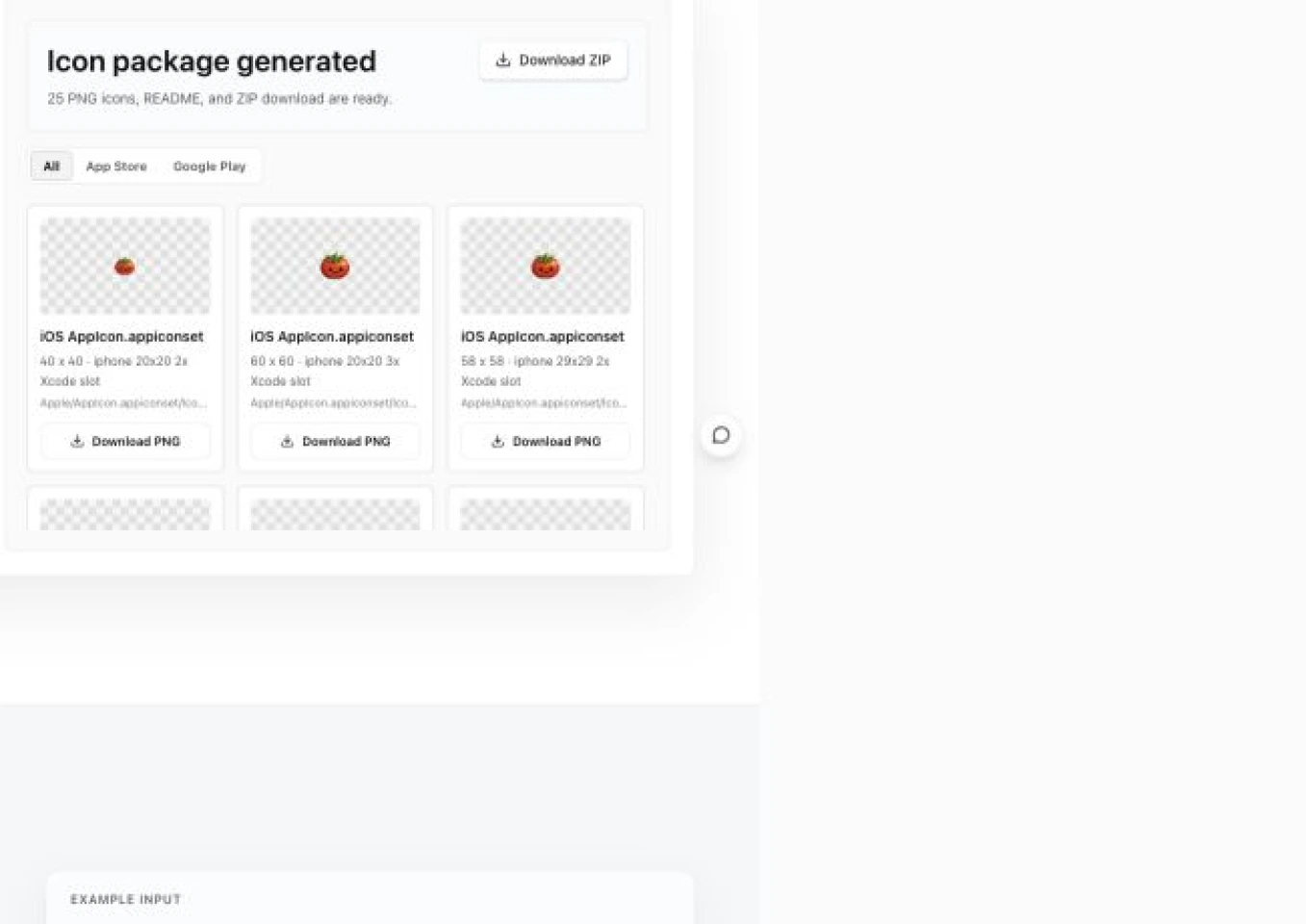
Upload a square source icon, choose platforms, and preview a locally generated PNG + ZIP package. This tool resizes artwork; it does not draw a new icon.
Example output
With both platforms selected, the ZIP groups files by their real handoff destination. These are the files the current tool generates.
Example input
One 1024 × 1024 square PNG with Apple + Google Play / Android selected
Main ZIP contents
Compatible iPhone, iPad, and ios-marketing sizes with Contents.json.
A 1024px review copy for checking composition, padding, and brand consistency.
The 512 × 512 PNG for the Play Console store listing.
mdpi through xxxhdpi legacy launcher PNGs; no adaptive icon layers.
Skip individual artboards and exports. Generate Xcode AppIcon, Google Play 512, and Android legacy launcher files together.
Store uploads, Xcode assets, and Android project files are grouped by destination, with no manual renaming or folder setup.
Check transparency, crop mode, and file-size warnings first. Resizing and ZIP packaging stay in the current browser.
Import Apple/AppIcon.appiconset into the Xcode asset catalog and submit it with the build. GooglePlay/app-icon-512.png is for the Play Console store listing.
Android/res/mipmap-* contains legacy launcher resources. If the project uses adaptive icons, configure foreground, background, and optional monochrome layers in Android Studio.
Non-square images are center-cropped without stretching. Use square full-bleed source artwork for final handoff, and do not pre-apply rounded corners or outer shadows.
Image reading, resizing, and ZIP packaging happen locally in your browser. Before release, review current platform rules, brand rights, and legibility on light and dark backgrounds.
Inspect the standalone 1024px and 512px exports at both full and small display sizes. The subject, padding, and edge treatment should remain recognizable on light and dark surfaces.
This tool preserves the source artwork while resizing; it does not decide whether a logo, symbol, or amount of detail is appropriate for each store. Treat the preview as the final visual QA checkpoint before upload.
Modern Xcode can generate smaller variants from one 1024px icon. Tomako still exports a compatible full AppIcon.appiconset for existing projects and team handoff.
Swipe the table sideways to review every file destination.
| Output group | Included files | Current purpose | Destination |
|---|---|---|---|
| Xcode AppIcon | Compatible 20–1024px sizes with Contents.json | iOS / iPadOS project icons | Xcode asset catalog |
| Apple 1024 review copy | Apple/AppStoreIcon-1024.png | Team review copy, not a separate fixed upload flow | Check composition and padding |
| Google Play | GooglePlay/app-icon-512.png | 512 × 512 PNG; warns above 1024KB | Play Console store listing |
| Android legacy launcher | 48 / 72 / 96 / 144 / 192px | Compatible launcher PNGs | Android/res/mipmap-* |
| Handoff notes | README.txt | Folder roles and output boundaries | Design, engineering, and ASO |
Google Play icons must also meet the platform's PNG, file-size, and content rules. This version does not generate Android adaptive foreground, background, or monochrome layers.
Confirm source requirements and file destinations before deciding whether this package fits your release workflow.
Back to workspaceUse a 1024 × 1024 or larger square PNG when possible. JPG and WebP are supported; Google Play / Android-only packages need at least 512px on the shortest side.
No. Image reading, canvas resizing, and ZIP packaging happen locally in your browser. Refreshing the page clears the file state, and the source icon is not uploaded.
They are ready as project and store assets, but you should still review them before release. GooglePlay/app-icon-512.png goes to Play Console; Apple/AppIcon.appiconset belongs in Xcode and ships with your build to App Store Connect.
Do not add them in advance. Stores and operating systems apply their own masks, corners, or shadows, and pre-processing can cause double clipping or uneven edges.
It is center-cropped without stretching. Transparent pixels are preserved, but review alignment, crop edges, and legibility on different backgrounds before release.
No. It exports Google Play 512 and legacy launcher mipmap PNGs, but it does not generate adaptive icon foreground/background XML. Configure adaptive icons separately in the Android project.
Continue with a tool for the next decision or task in your workflow.
Create exact-size PNG assets with this app store screenshot generator using real UI and iPhone, iPad, and Google Play presets, then preview and download.
Upload an existing screenshot, cover, or product image, choose X, LinkedIn, Instagram, TikTok, YouTube Shorts, or Facebook, then create platform-sized image previews, downloads, and companion publishing copy.