How did Figma turn a design tool into a place for the whole team to work?
One designer choosing Figma does not mean the whole team will switch. Designers need to move old projects. Colleagues need to change how they work together. The company needs to decide whether to pay.
How those choices unfolded helps explain Figma’s move from a design tool to a tool for team work.
From 2015 through the first half of 2025, strong design features gave people a reason to adopt it. Remote work made online collaboration more urgent. Community files and plugins made learning and routine work easier.
Later, a whiteboard, a developer workspace, and a slide tool gave other colleagues better ways to do their work. These changes affected different steps in adoption and buying.
First, give designers a reason to move real projects in
Sharing a file in a browser is easy. But designers first need to know whether the tool can handle daily work. Some saw early Figma as a toy. The team’s first-year review described work on loading and rendering files, importing old files from Sketch, and later adding components and shared component libraries.
Sketch is another interface design tool. When switching, designers face practical questions. Can they keep working on old projects? Will large files slow down? If they change a button, must they update every matching button by hand?
Components are reusable parts of an interface that can be changed together. Importing old files saves designers from drawing everything again.
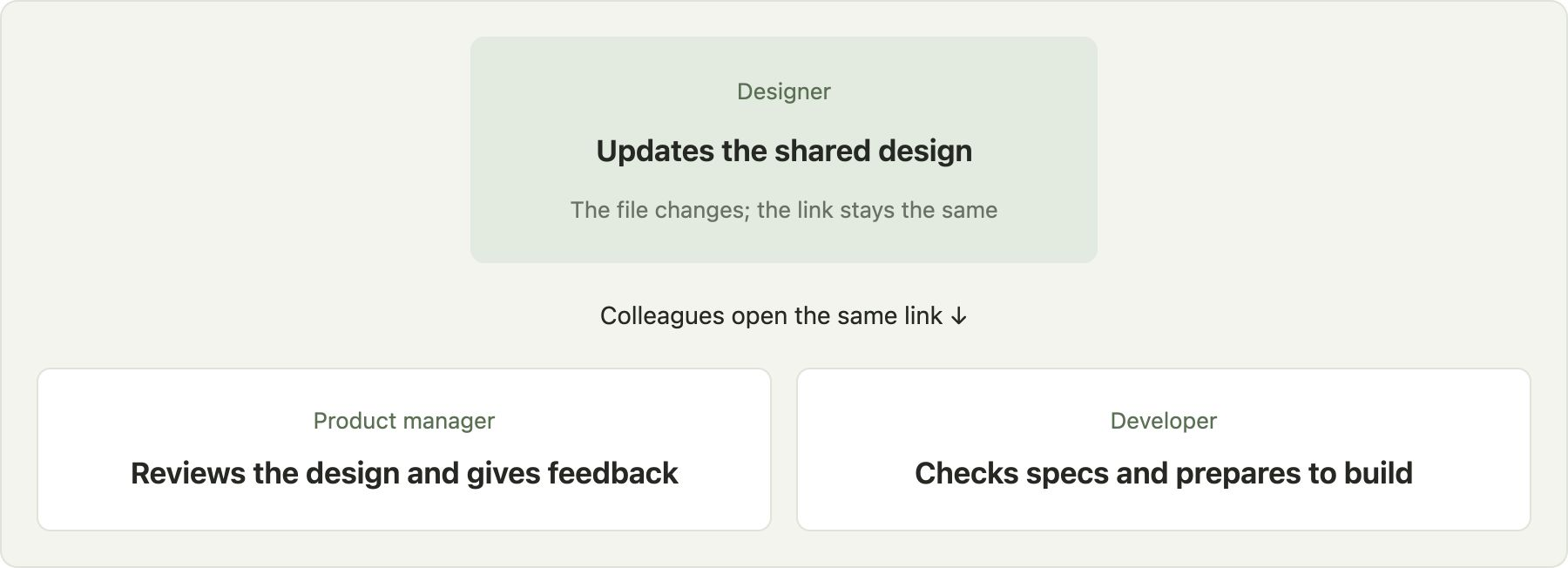
Once real projects are in Figma, shared links become more useful. The design keeps changing, but its address stays the same. Colleagues can open the original link to keep reviewing and discussing it. They no longer need to keep asking for the latest file.
A tool must handle daily work well before sharing can lead to lasting use.
Work habits were another barrier. The founder later recalled that some early users feared live sharing would mean being watched or losing control of their work. Letting colleagues see an unfinished design takes trust. Easy access does not mean everyone welcomes an open work process at once.
Someone inside a team also needs to turn the benefits into a workable test. Adam Brock was the front-end lead at digital services firm Tundra. In his account of its 2018 switch, he said the team had used Sketch.
A key draw was Figma’s browser access: people using different computer systems could join. He first found a few designers willing to test whether it met both design and development needs.
He also spent about two months sharing Figma in company chats and discussing it with colleagues. Developers raised needs. Designers checked daily tasks. Internal discussion helped more people see the value of switching. Figma made shared work possible; people inside the team still had to change their habits.
Figma also helped people exchange working methods in person. Its 2018 design-system meetups and local groups covered topics such as keeping interfaces consistent and running reviews. People considering a switch could hear from peers. Existing users could discuss problems.
A link let people enter a file. Peer experience helped them judge whether to switch and how to work afterward.
As more people joined, companies faced new questions. Who manages bills? Is access secure? Can teams share the same standards? The Organization plan, launched in 2019, added central billing, security audits, and design systems shared across teams. These made it easier for a company to manage and buy Figma.
Remote work made online collaboration more urgent
As people worked apart, they needed shared materials more often. Microsoft’s 2021 remote-work study found that time spent in online meetings had more than doubled within the activity it measured.
More meetings do not solve collaboration on their own. People still need the same materials before a meeting, a way to point to the same problem during it, and somewhere to keep editing afterward.
Figma already kept design files in the browser, which suited this setting. Its 2021 usage report said the share of file collaborations involving people on different continents rose from 8% in early 2020 to nearly 14% in 2021. As more people worked across borders, shared files became more useful.
Other tools had this opportunity too. In the UX Tools 2020 survey, 33% of the designers surveyed used online whiteboard Miro for brainstorming, up from 5% the year before. Demand for online discussion tools was growing, and Figma faced options such as Miro.
Figma had an advantage: the designs were already there. Colleagues reviewing a plan and developers checking details could use the same file, without preparing another set of materials.
But a professional design tool could feel complex when people just wanted to jot down ideas. Remote work made both the shared file and this friction more apparent. FigJam, the whiteboard released later, addressed that need.
Community files eased the start; plugins cut repetitive work
Collaboration brought people into Figma. To start their own projects, they still had to learn the tool and gather materials. The community and plugin system that Figma began building in 2019 helped with that work.
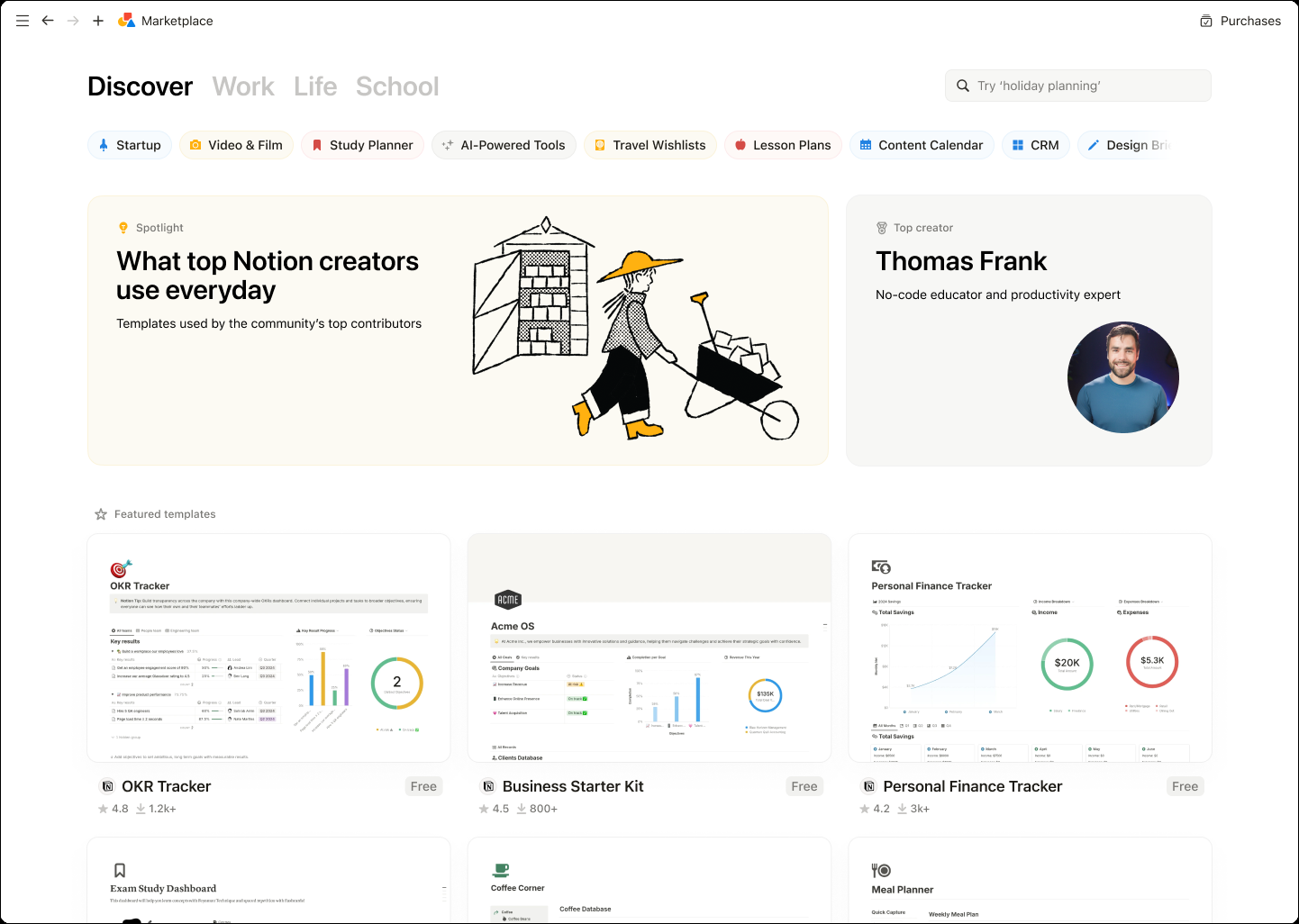
Figma Community, launched in 2019, let creators share editable design files. Users could see how someone organized pages and layers, then copy a file and adapt it for their own project. A finished screenshot shows a result. An editable file gives people something to learn from and work on.
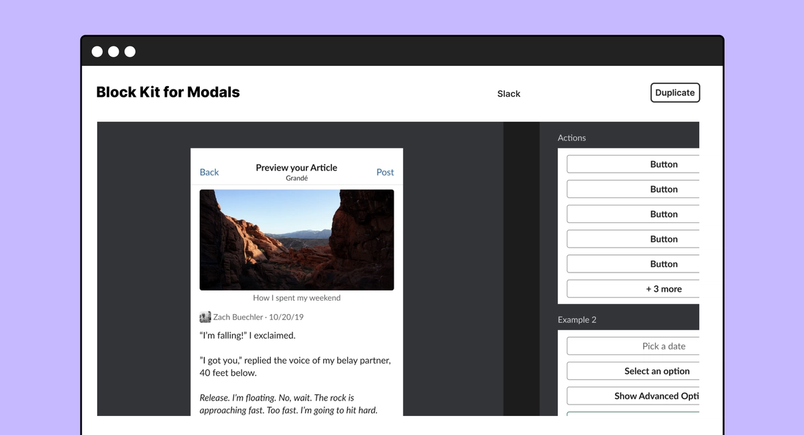
Creators could show their work while giving others examples and ready-to-use materials. In 2023, Figma announced selling tools and support for creators. The community then had more than 75,000 publishers and nearly 130,000 resources.
Letting creators sell their work and funding creation gave them reasons to keep making and maintaining it. More files and examples meant new users did not have to start everything from scratch.
Plugins, also opened up in 2019, served another need. Skilled users might need to edit similar layers in bulk, add images, or use company brand assets. Developers could turn those tasks into small tools that users install. Companies could also use private plugins.
Microsoft used plugins for its Fluent design system. In Figma’s 2019 Microsoft case study, plugins helped designers bring those standards into daily work. A company could add what it needed without waiting for the main tool to support every internal process.
When company standards worked inside Figma, teams had one less reason to switch back to another tool.
Community files helped people make their first result. Plugins helped skilled users finish routine work with less effort. One reduced setup for beginners; the other filled gaps a general tool could not cover in detail.
As teams built up files, plugins, and habits, switching tools meant setting up that work again. Community and plugins thus helped both new users start and existing users stay.
How colleagues’ existing tasks became new products
People gradually used Figma for more than drawing screens. Teams discussed ideas on the canvas, designers prepared presentations, and developers checked design details. Several later products grew from these uses.
FigJam is an online whiteboard, launched in 2021. It gave colleagues outside design a simpler way to plan and discuss. Figma had seen people using its design tool for those tasks. Remote work increased the need for early discussions.
A separate product meant people could join those discussions without first learning how to draw detailed interfaces.
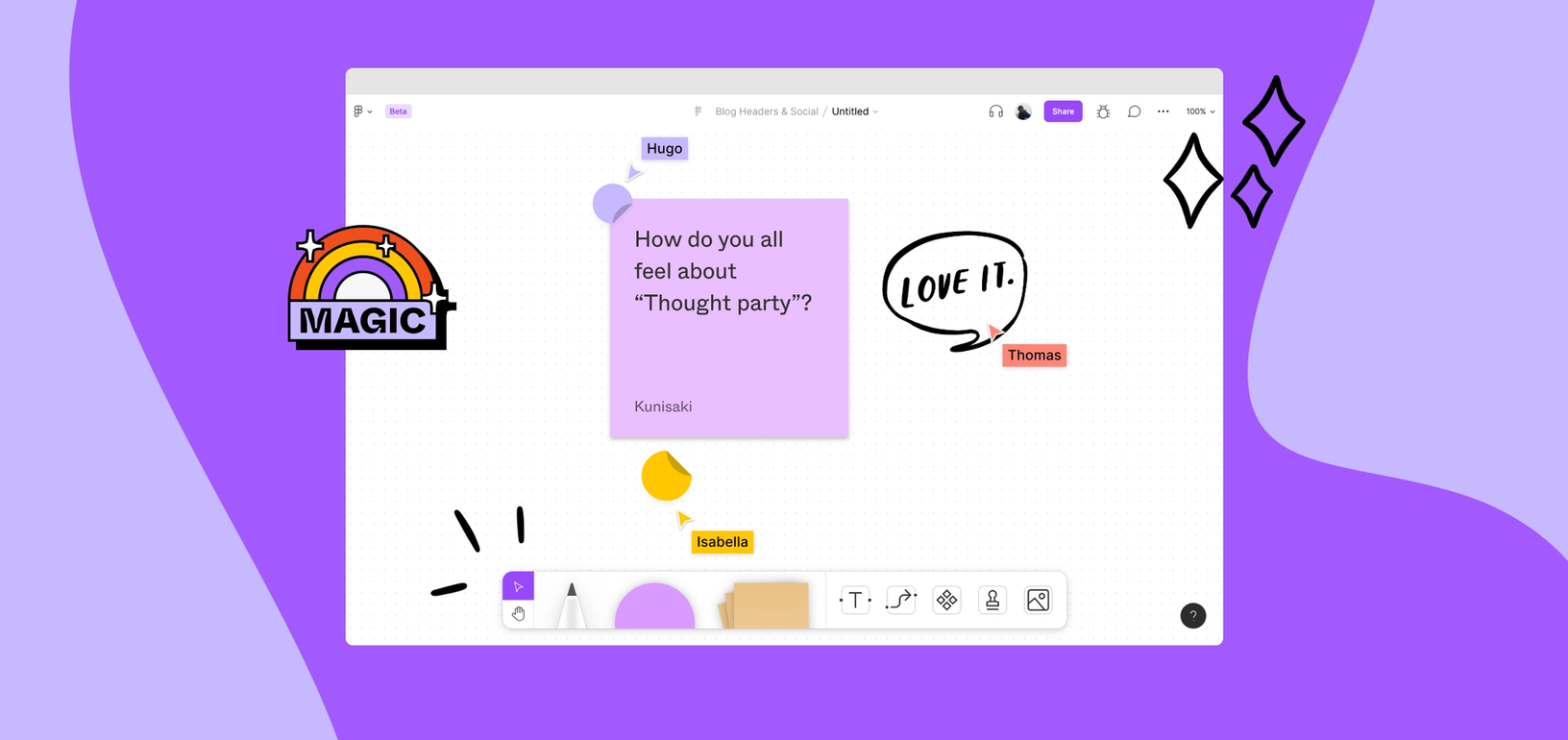
Community templates helped here too. Figma’s 2021 report said about 15% of active FigJam users began with a template. People unsure how to run a discussion could use an existing board and add their own content. For a first-time host, it provided a way to organize the session, not just an empty canvas.
Developers had different needs. When Figma launched Dev Mode in 2023, it said developers accessing Figma on paid plans already outnumbered designers. They needed button sizes, images and icons, clear signals that designs were ready, and a way to track changes.
Dev Mode brought this information into a workspace for developers. It became paid in 2024. Developers could use Figma to prepare implementation and follow revisions, as well as view designs.
Figma Slides, released in 2024, also grew from existing use. At launch, the company said users had made about 3.5 million presentations in Figma over the prior year. Slides made it easier for designers and colleagues to build proposals, present ideas, and gather feedback during a presentation.
| Product | What people already did | Who gained a better way to work |
|---|---|---|
| FigJam | Discuss ideas on the design canvas | Colleagues could plan together without knowing how to design screens |
| Dev Mode | Open designs to find development details | Developers could find specs and assets and track changes more easily |
| Slides | Build presentations with the design tool | Designers and colleagues could make and present proposals together |
These products gave existing tasks their own tools. People discussing ideas needed a simple whiteboard. Developers needed clear build details. Presenters needed a way to show work and gather responses.
Once colleagues entered Figma, they had more reasons to do their own work there over time, beyond occasional visits to a designer’s file.
The products did not have the same business results. Figma disclosed that FigJam and Dev Mode helped existing customers spend more. By the first half of 2025, the end of this article’s review period, it had not separately disclosed revenue from Slides.
When teams need it, why does the company pay?
Wider use still needs to lead to a buying decision. Companies must choose who needs a paid seat, whether to upgrade a plan, and whether to buy another product. Early organization tools helped them buy centrally. Later whiteboards and developer tools gave existing customers reasons to spend more.
The 2025 prospectus reported $749 million in 2024 revenue, up 48% from the year before. Accounts with more than $10,000 in annual recurring revenue rose from 7,233 at the end of 2023 to 10,517 at the end of 2024.
Annual recurring revenue expresses subscription revenue as a yearly amount. Accounts were counted by separate billing relationships. Different teams at the same company could count as separate accounts.
To see whether existing customers bought more, the prospectus compared the same group over time. It selected accounts above $10,000 in annual recurring revenue at both year-end 2023 and year-end 2024.
At the later date, this group generated 1.34 times the annual recurring revenue it had a year earlier: a net dollar retention rate of 134%. The company said more seats, plan upgrades, and new products together drove this expansion.
The path had ups and downs. Figma said FigJam and its Enterprise plan helped customers expand spending in 2022. In 2023, tighter budgets and seat reductions helped bring net dollar retention down to 122% by year-end.
When Dev Mode became paid in 2024, it was one factor behind the recovery. New products create revenue opportunities, but budgets and buying choices also shape results.
Pricing can change participation too. Before Dev Mode became paid, some users worried about the cost of adding paid developer seats. Their companies might resist another charge for design handoff.
Developers could already view designs. A paid workspace needed to save enough work to justify the price. The chance to earn more also gave customers a reason to rethink how they used Figma.
Several forces helped Figma grow. Design features brought real projects in. Remote work increased the need for shared materials. Community files and plugins made it easier to start and stay. New products and company plans answered what other roles could do there and why a company might buy more.
These forces worked together because Figma kept addressing gaps in work people were already doing. Designs became shared materials. The community supplied reusable work. Whiteboards and developer tools served different tasks.
Each expansion still had to fit people’s habits and company budgets. Easy entry starts team adoption. Giving each group lasting value gives that adoption a chance to endure.